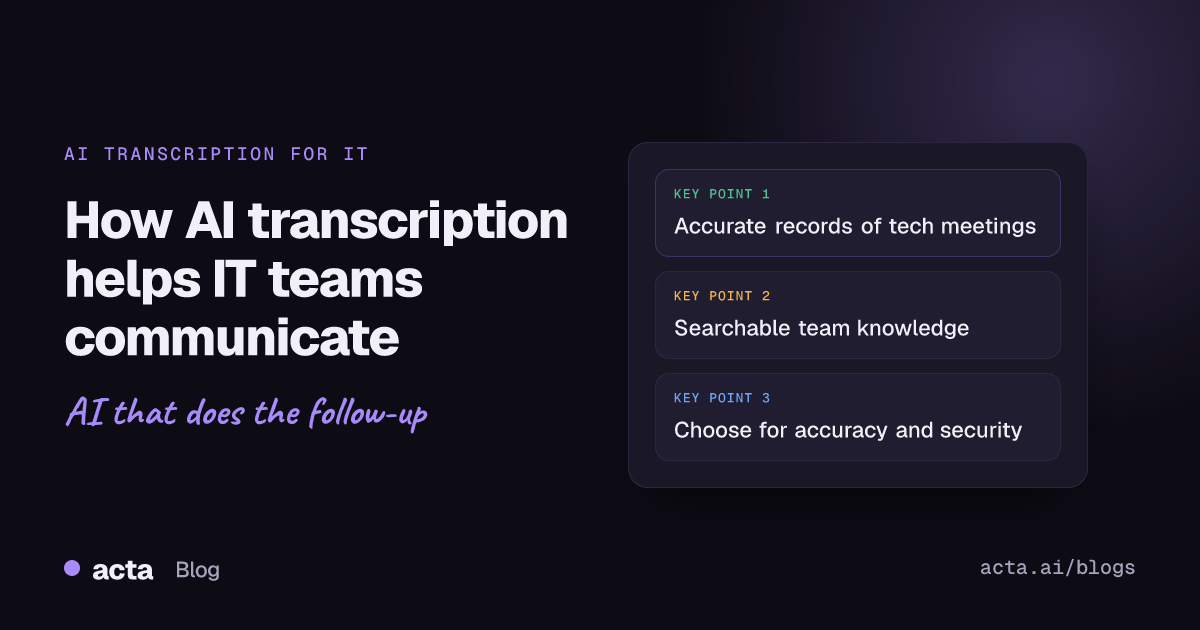
Quick answer: AI transcription tools help IT teams by turning project meetings, code reviews, troubleshooting sessions and client calls into accurate, searchable text with speakers identified and summaries attached. That gives distributed teams a shared record, cuts manual note-taking, speeds up onboarding and reduces costly misunderstandings. When choosing a tool, look at accuracy, language support, integrations, security and scalability.
AI is changing how IT teams work, and one of the most practical changes is in how they communicate. As organizations push toward digital transformation, demand is growing for accurate, automated ways to capture conversations and keep collaboration moving. AI transcription tools have grown from a better way of taking notes into a core part of how teams document their work.
For IT teams, accurately captured conversations, well-documented technical meetings and smooth collaboration across locations are now essentials. This article looks at how AI transcription is changing communication in IT, its main benefits and how to pick the right tool.
Why does communication matter so much for IT teams?
Whether the work is project planning, troubleshooting, code review or a client meeting, successful IT operations depend on clear communication. Teams juggling many projects need it to avoid misinterpretation, delays and errors.
AI transcription tools help by producing an accurate record of each conversation that the whole team can refer back to later. That reduces the chance of someone misremembering what was said and keeps everyone on the same page.
How do AI transcription tools work?
AI transcription tools use natural language processing and machine learning to convert speech into text. They are trained on large datasets, which helps them handle different accents, technical terms and the specialized vocabulary common in IT discussions. Video platforms now include basic versions too, such as live transcripts in Microsoft Teams meetings.
The most useful features include:
- Real-time transcription: words appear as they are spoken, so participants can follow along or review the discussion as it happens.
- Automated summaries: clear, concise summaries of what the meeting covered, so people can grasp the essentials quickly.
- Speaker identification: the transcript shows who said what.
- Language support: many tools handle multiple languages, which matters for IT teams spread across regions.
What are the key benefits of AI transcription for IT teams?
Better collaboration and productivity
IT teams need alignment, especially when people work in different locations. When a tool captures every word, participants can focus on the discussion instead of writing everything down, and no important detail is lost.
A well-documented transcript also keeps remote colleagues up to date on meetings they could not attend, which supports transparency and continuity across projects.
Stronger documentation and knowledge management
IT meetings often involve detailed project discussions, code reviews, troubleshooting and client conversations. Good documentation makes sure decisions are tracked and helps with compliance.
AI transcription tools create detailed, searchable records of meetings automatically. That improves knowledge management and makes onboarding easier, because new hires can read a clear record of past decisions and discussions.
Speed and accuracy
Manual transcription is slow and error-prone. AI tools produce detailed meeting records far faster and with fewer mistakes. In IT, that matters: a misunderstanding in a technical discussion can cost a lot of time.
AI tools also tend to handle technical jargon and industry terminology better than ad hoc notes, which makes them well suited to teams working on complex problems.
Cost efficiency
Manual transcription services get expensive quickly. Automated transcription costs a fraction as much, freeing budget for other IT priorities.
Where do IT teams use AI transcription?
Project management and planning
Planning meetings can run for hours as teams work through milestones, deliverables and resourcing. AI transcription gives project managers accurate minutes, helps them track decisions and timelines, and makes it easier to assign tasks. Tools like Acta go a step further and pull out action items with owners and due dates, or turn meeting action items into Jira tickets.
Code reviews and troubleshooting
In code reviews, team members discuss technical details and suggest improvements, which can be hard to capture accurately. A transcript logs that feedback so developers know exactly what needs to change.
In troubleshooting sessions, a transcript documents each step taken to solve the problem, creating a useful reference for the next time a similar issue appears. For more on this, see how teams go from engineering conversations to Jira tickets.
Client communications
Misunderstandings in client meetings lead to misaligned expectations and project delays. An accurate record of every client interaction means nothing gets lost in translation.
How do you choose the right AI transcription tool for an IT team?
The best tool depends on your team's needs. Consider:
- Accuracy and language support: accuracy should be high, and the tool should support the languages your team uses.
- Integrations: it should fit into your existing workspace, such as Microsoft Teams, Zoom or Google Meet, and the tools where work is tracked, like Jira or Confluence.
- Security and compliance: if you discuss sensitive systems, choose a tool with strong security and clear access controls. In Acta, for example, people only see the meetings they have access to; see how Acta handles security.
- Scalability: the tool should grow with your team without extra friction.
What is the future of AI transcription in IT?
As AI improves, transcription tools are adding contextual understanding and deeper analysis. Instead of only recording what was said, they increasingly summarize, extract decisions and answer questions across many meetings.
These changes improve more than accuracy. They give IT managers insight into project progress and team dynamics, which helps teams make better decisions and deliver better results. Acta's tools for product and engineering teams, for instance, include agents that draft PRDs, tickets and CTO or project status reports from meetings.
Conclusion
IT teams are increasingly switching to AI transcription and changing how they communicate. From productivity and documentation to client engagement, these tools have become a vital resource. As more organizations move work online, AI-based transcription will be part of how strong IT teams operate.
Frequently asked questions
What is an AI transcription tool?
It is software that uses machine learning to convert spoken conversation into text, usually with speaker labels, and often adds summaries and search.
Can AI transcription handle technical IT terminology?
Modern tools are trained on large datasets and generally handle technical jargon well, though it is worth testing a tool on your own meetings before you commit.
Which IT meetings benefit most from transcription?
Project planning, code reviews, troubleshooting sessions and client calls all benefit, because each produces decisions and details the team needs to refer back to.
What should IT teams look for when choosing a tool?
Focus on accuracy, language support, integrations with your meeting and ticketing tools, security and access controls, and the ability to scale.
Want to see it on your own team's meetings? Try Acta free for 15 days.