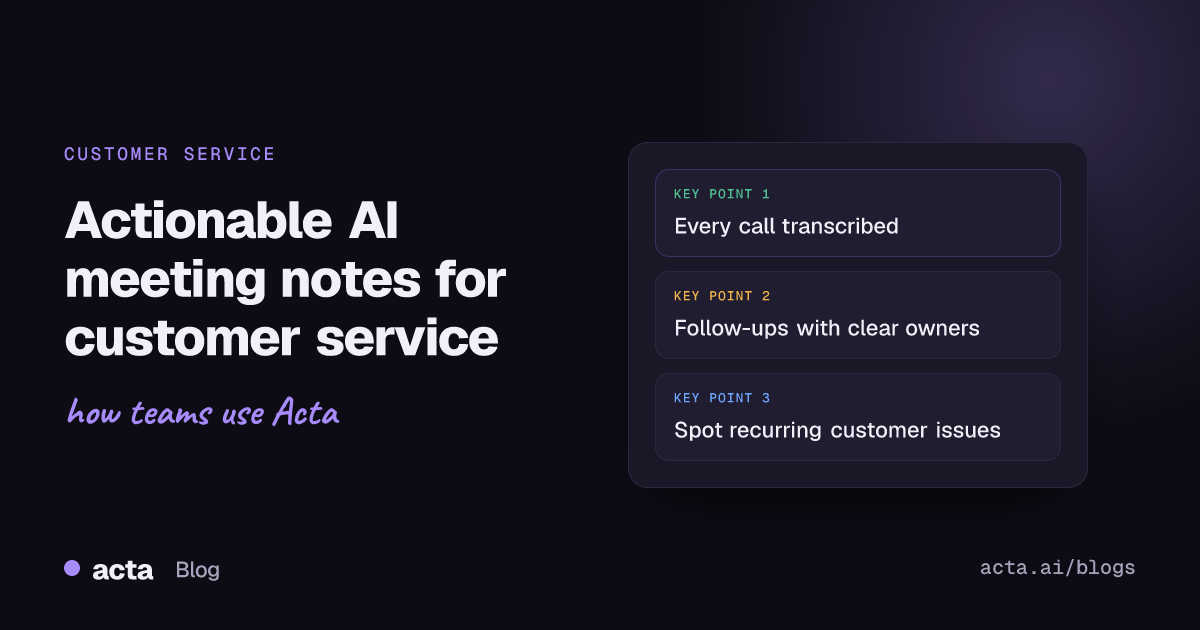
Quick answer: AI meeting notes help customer service teams by recording and transcribing every call, summarizing what matters, and pulling out action items with owners and due dates. Teams can then search past calls, ask questions across them and consolidate many conversations into one report, which makes recurring customer issues easier to spot and resolutions faster.
Customer service teams deal with a never-ending stream of inquiries, issues and meetings. From daily stand-ups to escalation calls, keeping track of everything is hard. Notes get lost, action items are forgotten and important insights slip through the cracks.
What if an AI assistant could capture everything, summarize the key points and make sure every follow-up has an owner? That's where Acta comes in, helping customer service teams stay organized and productive. Here's how AI meeting notes change customer service workflows.
Why do customer service meetings so often go nowhere?
If you've ever left a meeting feeling like nothing was resolved, you're not alone. Many customer service teams face:
- Messy note-taking: relying on scattered notes or memory.
- Missed action items: no clear follow-ups or ownership.
- Information overload: too many customer requests, not enough clarity.
- Poor accessibility: past discussions are hard to revisit.
These problems lead to miscommunication, slow resolution times and, ultimately, frustrated customers.
How do AI meeting notes improve customer service efficiency?
AI meeting assistants like Acta turn meetings into structured, actionable output automatically. Here's what that looks like in practice.
1. Automatic transcription and summaries
Forget scribbling notes. Acta records and transcribes your calls with speaker names and produces a summary with key takeaways, so your team can focus on the conversation while the AI captures the details.
2. Action items with owners
No more guessing who needs to do what. Acta extracts action items from each meeting with owners and due dates, so follow-ups are clear and assigned. It can also draft the follow-up email for you.
3. A searchable record of every conversation
Every meeting is stored in one place, so it's easy to find past discussions, customer complaints and resolutions. Need last month's escalation call? With OneChat you can simply ask, and get an answer with links to the meetings it came from. Think of it as ChatGPT for your meeting conversations. We cover this in more depth in how to ask questions across every meeting you've had.
4. Many calls consolidated into one narrative
Consolidating multiple meetings goes well beyond meeting minutes. Imagine a year's worth of customer conversations at your fingertips. Acta's multi-meeting reports pull insights from many calls into one view, so you can spot recurring patterns and make better-informed decisions.
5. Integrations with the tools you already use
Acta connects with CRMs such as Salesforce, HubSpot and Zoho, ticketing tools such as Jira, and workspaces like Notion, Confluence and Google Drive, so meeting insights are where your team needs them.
6. One Chrome extension for Zoom, Google Meet and Teams
The Acta Chrome extension brings transcription, summaries and AI insights into your browser for Zoom, Google Meet and Microsoft Teams calls.
What can AI find across past customer meetings?
Beyond note-taking, AI can analyze past meetings to surface patterns and trends in customer service:
- Recurring customer pain points: common issues show up across calls, so teams can address them before they grow.
- Better team collaboration: shareable summaries and meeting links keep teams aligned.
- Shorter resolution times: action items with owners keep everyone accountable and on track.
With AI, meetings move from being just discussions to sessions that drive decisions backed by data.
How do different teams use Acta for customer service?
- Support teams quickly retrieve past customer complaints, cutting ticket resolution time. Acta also offers a customer support AI agent built for these calls.
- Sales teams capture key details from prospect calls for smooth follow-ups.
- Operations and management get actionable insights from team meetings to shape strategy.
The result is better customer service, faster resolutions and happier teams. See more on Acta for customer success and support.
How do you get started with Acta?
- Sign up and connect your calendar. Log in with Google or Microsoft, and Acta's meeting bot joins your scheduled Zoom, Google Meet and Microsoft Teams meetings.
- Let the AI do the work. Acta records, transcribes and summarizes meetings automatically.
- Find everything in one place. Meeting notes, action items, decisions and summaries are always available.
No more lost notes. No more forgotten follow-ups. Just more efficient customer service.
Frequently asked questions
How do AI meeting notes help customer service teams?
They capture every call automatically, summarize it and extract action items with owners, so follow-ups don't slip and past conversations are easy to find.
Can Acta find a past customer call quickly?
Yes. You can search your meetings or ask OneChat a question, and the answer links back to the meetings it came from.
Does Acta integrate with CRM and ticketing tools?
Yes. Acta integrates with CRMs including Salesforce, HubSpot and Zoho, and with Jira and other ticketing tools.
Which meeting platforms does Acta support?
Acta works with Zoom, Google Meet and Microsoft Teams through a meeting bot, the Chrome extension, a desktop app or mobile apps, and you can upload recordings.
Customer service is all about speed and clarity: try Acta free for 15 days and see the difference in your next support meeting.