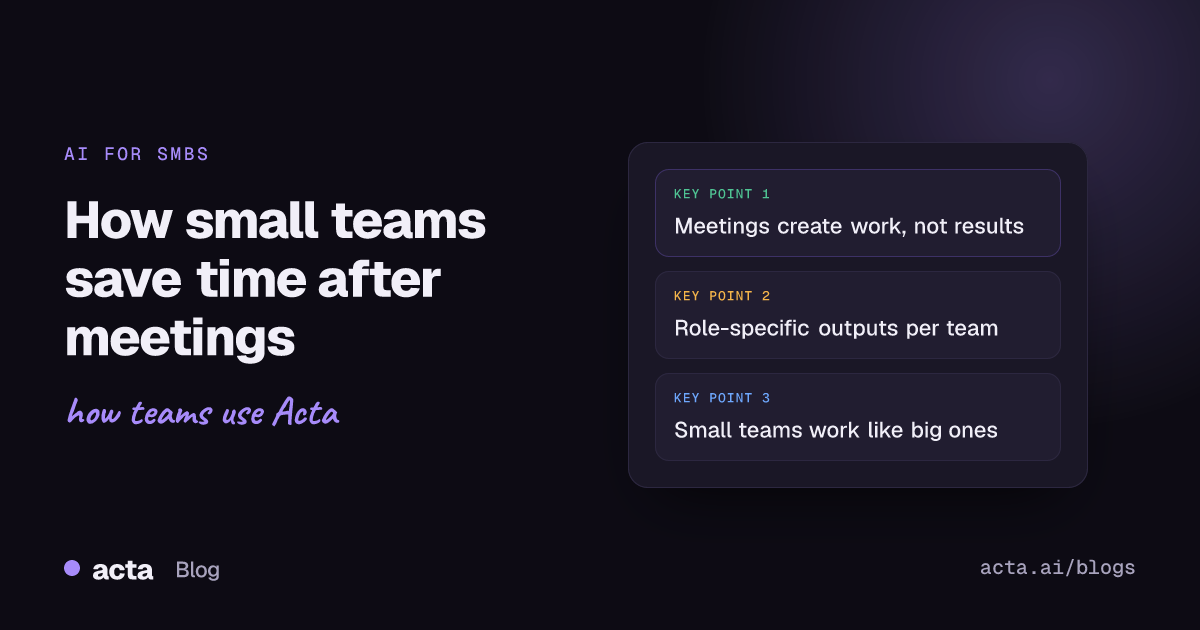
Quick answer: Small and growing businesses save time with Acta by letting it handle the admin that follows meetings. Acta joins Zoom, Google Meet or Teams calls and turns them into role-specific outputs: PRDs and user stories for product teams, CRM updates for sales, structured interview feedback for HR, and Jira tickets for project leads. Teams get hours back without adding headcount.
In small and growing businesses, every minute counts, and there is no room for wasted time in meetings. Yet a lot of time disappears into note-taking, follow-ups and the repetitive admin that comes after the call ends. That is where Acta is making a difference. Here is a look at how small teams use it to cut admin work and move faster.
Why do meetings create work for small teams?
Small teams wear many hats. A product manager might also run stand-ups. A founder might double as the sales lead. An HR manager might be interviewing back to back.
What happens after those meetings?
- Notes have to be written
- Action items need to be tracked
- CRMs, Jira boards and docs need updating
- Feedback has to be shared
- And much of it gets delayed or forgotten
For SMBs, that is not just inconvenient. It is a bottleneck.
How does Acta turn note-taking into action?
Acta joins your meetings on Zoom, Google Meet or Microsoft Teams and takes over the admin side. It does more than transcribe or summarize. It works through the conversation and turns it into structured, role-specific outputs. Instead of only remembering what happened, Acta starts the work for you.
How do SMB teams use Acta day to day?
1. Product teams
Small product teams rarely have dedicated project managers. After a product discussion, someone still has to write the PRD, document user stories and log tickets. With Acta:
- A PRD is generated right after the call
- User stories and tickets are drafted from the discussion
- Notes can be shared to Notion or Confluence
Teams go from idea to spec without the usual delay. See more about Acta for product and engineering teams.
2. Sales teams
Founders and sales reps in SMBs juggle many calls. Updating the CRM by hand after each one eats time and often slips. With Acta:
- The call is summarized as soon as it is processed
- Key deal information is extracted and sent to Salesforce or HubSpot
- Next steps are clear and nothing gets missed
That means faster follow-ups and less admin. Learn more about Acta for sales teams.
3. HR and hiring teams
Small HR teams often run back-to-back interviews, and writing structured feedback afterwards can take half the day or never happen. With Acta:
- Interview feedback is formatted automatically
- Key signals about each candidate are highlighted
- Shared notes make collaboration with hiring managers easier
Hiring moves faster, and decisions rest on better documentation. See Acta for hiring and recruiting.
4. Scrum masters and project leads
Many SMB teams have no full-time scrum master, so tracking bugs, creating tickets and updating Jira falls on whoever has time. With Acta:
- Bugs raised in stand-up become drafted tickets
- Retro notes are organized automatically
- Sprint updates are ready to share
Less follow-up, more clarity, and everyone stays on track. Here is how to turn meeting action items into Jira tickets.
Why does this matter for SMBs?
Small businesses do not have spare time or spare headcount. Acta works like an invisible assistant that helps every teammate win back time, stay organized and focus on what they do best.
Because Acta is role-aware, it does not produce generic notes. It delivers what each person needs to move forward, whether they are building, selling, hiring or leading. For more examples, read how Acta agents empower SMBs.
What do SMB teams say?
"Before Acta, I'd spend an hour after every client call updating my notes and CRM. Now, it's already done when the meeting ends." Founder, B2B SaaS startup
"Acta feels like having an extra teammate in every meeting. We're able to act faster and make fewer mistakes." Operations lead, HR tech SMB
Conclusion: Acta helps small teams work like bigger ones
By removing admin overhead and improving follow-through, Acta gives SMBs a real advantage without adding headcount. It is quick to set up, simple to use and useful from the first meeting.
Frequently asked questions
How does Acta help small businesses save time?
It takes over post-meeting admin: notes, action items, CRM updates, PRDs, interview feedback and Jira tickets are produced from the meeting instead of written by hand.
Do small teams need a dedicated admin to use Acta?
No. Acta joins Zoom, Google Meet or Teams calls and produces role-specific outputs automatically, so anyone on the team can use it.
Which tools does Acta update?
Acta integrates with Jira and other ticketing tools, Notion, Confluence, Google Drive, Salesforce, HubSpot and Zoho.
See how much time your team can save: try Acta free for 15 days.