Quick answer: Acta's Product Assistant – Ticket Agent turns engineering meetings into Jira tickets. It reads the meeting transcript, picks out bugs, tasks, user stories, epics and enhancements, checks them against existing tickets to avoid duplicates, and drafts structured tickets for your team to review before anything is submitted. You switch it on once from your Acta account.
Engineering teams talk through a lot of work in meetings: a bug someone spotted in staging, a small improvement a customer asked for, an idea for the next sprint. Much of it never reaches the backlog because nobody had time to write it up afterwards.
The Product Assistant – Ticket Agent is one of the Acta AI agents, built to close that gap. It identifies potential Jira tickets directly from your engineering meetings, so the conversation and the board stay in step.
What does the Ticket Agent do?
Think of it as a virtual scrum master that listens to the team's conversation and surfaces the takeaways that need tracking. Instead of relying on someone's notes or a follow-up message after the call, the agent:
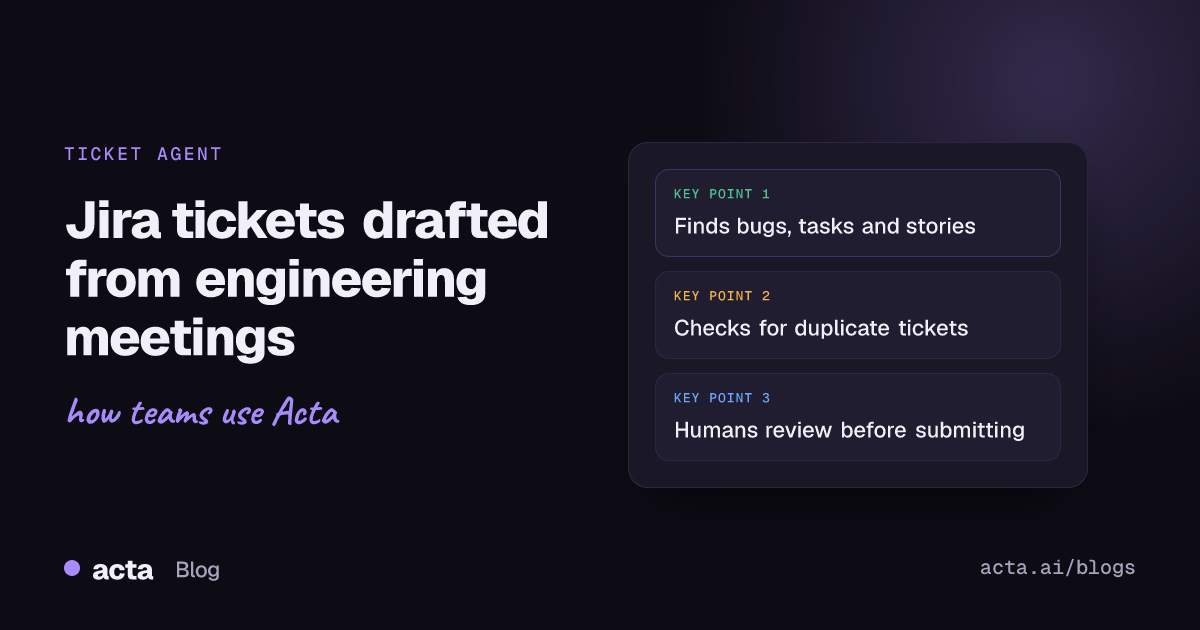
- Scans the meeting transcript to detect mentions of bugs, tasks, user stories, epics and enhancements.
- Cross-references existing tickets so the same issue is not logged twice.
- Generates structured Jira tickets from what was said, ready for a person to check and submit.
The result is that small but real pieces of work stop slipping through the cracks, and the team spends its time on execution rather than administration. If you want the wider picture of how this fits into a sprint, see how scrum masters and engineering teams use Acta from meetings to Jira tickets.
Why do meeting discussions get lost before they reach Jira?
Meetings are where engineers raise issues, suggest improvements and agree on next steps. But turning that discussion into tickets is manual work that usually falls to a scrum master or product owner after the call, when the details are already fading.
The Ticket Agent translates those insights into actionable work items automatically. Acting as an intermediary between the conversation and your Jira board, it helps teams:
- Keep the backlog clean and current
- Improve accountability and traceability, since each ticket comes from a recorded discussion
- Speed up sprint planning and retrospectives
- Reduce the manual overhead on scrum masters and product owners
For a step-by-step view of the same workflow, read how to turn meeting action items into Jira tickets.
How do you add the Product Assistant – Ticket Agent?
- Log in to Acta.
- Enable the Product Assistant – Ticket Creator agent.
That is all the setup there is. From then on the agent works through your engineering meetings and prepares tickets for you.
How much control does the team keep?
You can enable or disable the agent at any time, depending on what the team needs. When it is active, it works transparently and keeps a person in the loop: tickets are reviewed before final submission, so nothing lands on the board without someone agreeing it should be there.
With the Ticket Agent, Acta helps product and engineering teams stay organized and proactive, turning everyday meetings into a steady source of structured, actionable tasks.
Frequently asked questions
Can Acta create Jira tickets from a meeting automatically?
Yes. The Product Assistant – Ticket Agent reads the meeting transcript, identifies bugs, tasks, user stories, epics and enhancements, and drafts structured Jira tickets from them.
Will the agent create duplicate tickets?
It cross-references existing tickets before suggesting new ones, which helps keep duplicates out of your backlog.
Does a person review tickets before they are submitted?
Yes. The agent is designed for human oversight, so the team checks tickets before final submission.
Can we turn the Ticket Agent off?
Yes. You can enable or disable it at any time from your Acta account.
Want your next sprint planning meeting to fill the backlog for you? Start a free 15-day Acta trial.