Quick answer: An AI meeting organizer is an assistant that records your meetings and handles the admin around them: transcripts, summaries, action items, follow-ups and reminders. It works with Zoom, Microsoft Teams and Google Meet so you can focus on the conversation. When choosing one, look at ease of use, integrations, role-specific outputs, data privacy and customization.
Tired of losing time to unproductive meetings? AI meeting organizers are changing how teams work, making meetings faster, more focused and easier to follow up. This guide explains what these tools do, the benefits they bring and how to choose the right one for your team.
What is an AI meeting organizer?
An AI meeting organizer is a digital assistant that uses artificial intelligence to take care of note-taking, action items and reminders, so you can concentrate on the discussion. These tools work with the meeting platforms most teams already use, such as Zoom, Microsoft Teams and Google Meet.
What features should an AI meeting organizer have?
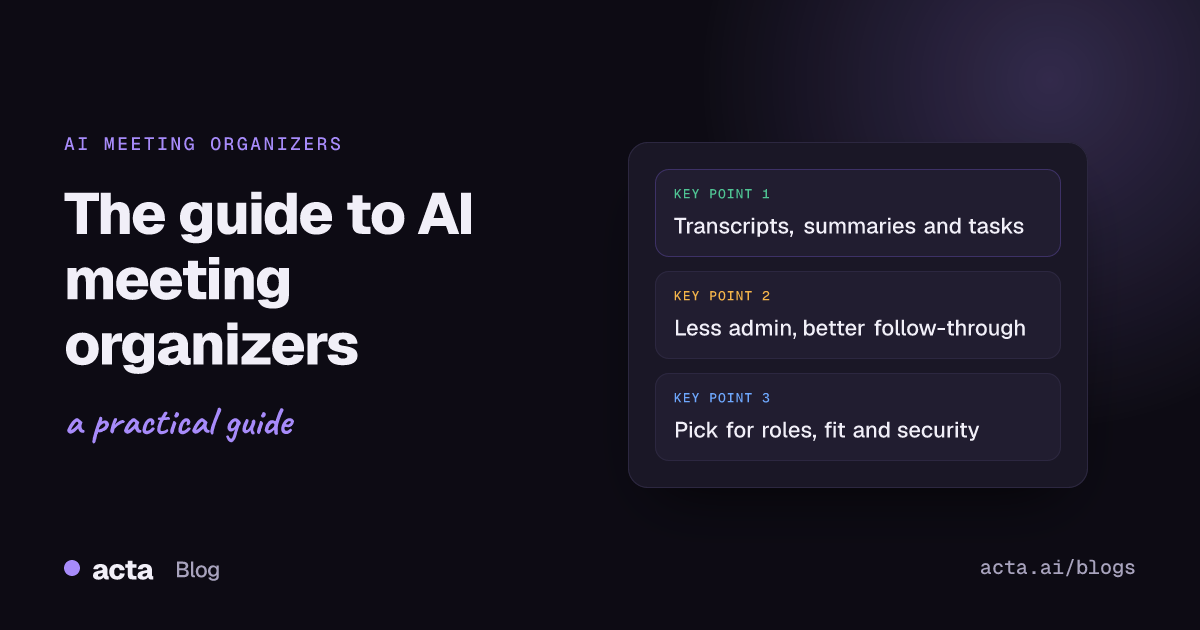
- Transcription: the AI listens in and produces an accurate transcript, so nothing gets missed.
- Action item tracking: tasks are identified automatically and assigned to the right people.
- Meeting summaries: short, simple recaps of what was discussed, ideal for anyone who could not attend.
- Integrations: connections to calendars, project management tools and CRM systems keep the workflow connected.
- Follow-up help: drafted follow-up emails and reminders help tasks get done on time.
- Engagement insights: some tools show participation levels to help improve future meetings.
- Translation and captions: some tools offer live translation for global teams.
You can see how these come together in Acta on the Acta features page.
How do AI meeting organizers streamline meetings?
- They save time: less manual note-taking and follow-up leaves more time for real work.
- They improve productivity: meetings stay focused, tasks do not fall through the cracks and decisions get followed through.
- They support collaboration: shared notes, action items and clear documentation keep everyone aligned.
- They reduce meeting fatigue: shorter, better-organized meetings mean less stress for everyone.
Follow-through is where most meetings break down. If that is your main problem, here is how to track action items across meetings.
Which AI meeting organizers are worth trying?
Popular options include:
- Acta
- Otter (see how Acta compares with Otter)
- Avoma
- MeetGeek
For a broader roundup, read our list of the top 10 AI meeting management tools.
Why choose Acta?
Acta goes beyond simple note-taking. It turns meetings into structured, actionable output tailored to roles such as product managers, scrum masters, sales and HR. It helps individuals and organizations alike make meetings productive and focused on execution.
Benefits for individual users
- Role-aware intelligence: Acta's AI agents capture what matters for your role, for example PRDs for product managers, pipeline insight for sales, tickets and user stories for scrum masters, and candidate assessments for HR.
- Task capture: action items come with owners and due dates as soon as the meeting is processed, which cuts post-meeting effort.
- Instant answers: with OneChat you can ask Acta about key decisions, tasks, deal progress and who committed to what, with sources from your meetings.
Benefits for organizations
- Structured outcomes: meetings produce clear, role-specific deliverables that help cross-functional teams align.
- Workflow integration: Acta records Zoom, Google Meet and Microsoft Teams and connects with Jira, Notion, Confluence, Google Drive and CRMs such as Salesforce and HubSpot.
- Accountability: automatic action item tracking and follow-up email drafts help make sure work gets done.
- Access control: people only see the meetings they have access to, which keeps sensitive conversations with the right people.
- Easy to try: every plan starts with a free 15-day trial.
Teams using Acta save hours on meeting admin and gain clarity on decisions and next steps, which leads to better outcomes and smoother collaboration.
Why are AI meeting organizers growing so fast?
Meeting overload is a well-documented problem. Atlassian's research on wasted time at work highlights how many meetings people consider unproductive. AI assistants address this directly by taking the admin out of meetings and making outcomes easier to act on, which is why adoption of AI meeting tools has grown quickly.
How do you choose the right AI meeting organizer?
When picking a tool for your business, consider:
- Ease of use
- Integration with your existing tools
- Persona-based outputs that fit each role, not just generic notes
- Data privacy and security
- Customization options
Trying a few free trials, including Acta's, is the easiest way to find the best fit.
Final thoughts
AI meeting organizers are now essential for anyone who wants productive, focused, action-oriented meetings. With transcription, follow-up help and deep integrations, they give you your time back and help you get things done.
Frequently asked questions
What does an AI meeting organizer do?
It records and transcribes meetings, summarizes them, extracts action items and decisions, and helps with follow-ups so you do not have to take notes by hand.
Do AI meeting organizers work with Zoom, Teams and Google Meet?
Most do. Acta records all three through a meeting bot, and also offers a bot-free desktop app, a Chrome extension and mobile apps.
What makes Acta different from a basic note taker?
Acta uses role-specific AI agents to produce outputs like PRDs, Jira tickets, sales summaries and candidate assessments, and lets you ask questions across all your meetings.
How should I compare AI meeting organizers?
Compare ease of use, integrations, role-specific features, privacy and security, and customization, then test your shortlist on real meetings with free trials.
Ready to make your next meeting count? Start using Acta free for 15 days.