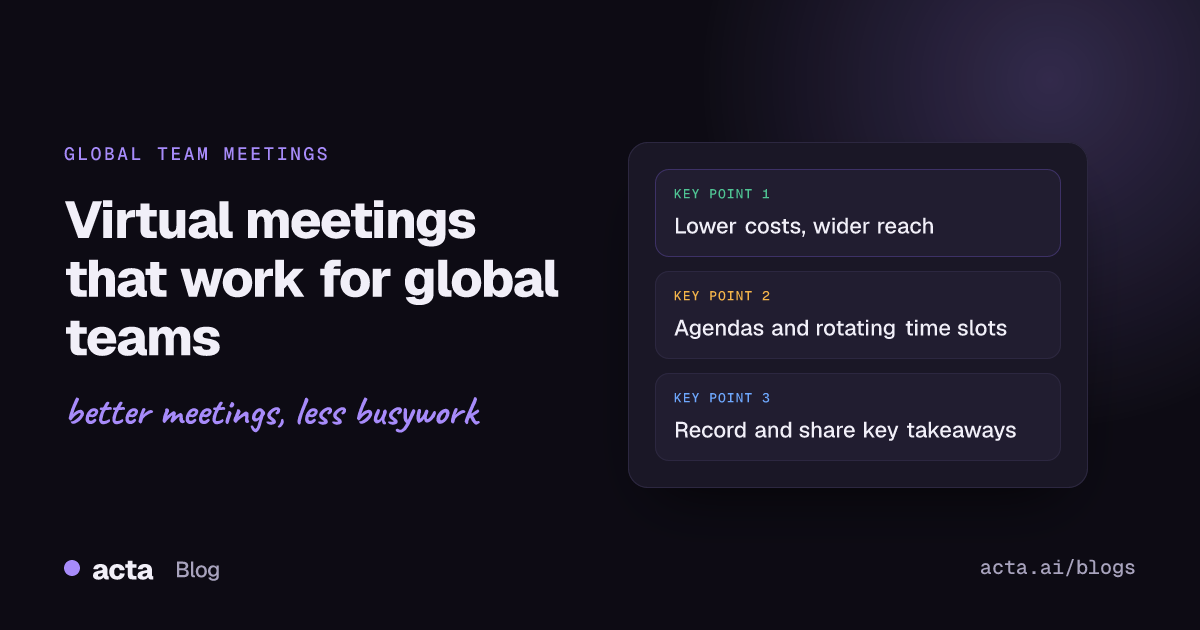
Quick answer: Virtual meetings let global teams communicate across borders without travel, which saves money, cuts emissions and makes it easier for remote colleagues to take part. To run them well, share a clear agenda in advance, rotate meeting times across time zones, test your technology, keep people engaged, and record the meeting so summaries and action items reach everyone.
For businesses with global teams, virtual meetings are now a cornerstone of how work gets done. They bridge time zones, reduce operating costs and let teams collaborate from anywhere. This article covers the key benefits of virtual meetings and practical tips to make them more productive.
What are the benefits of virtual meetings for global teams?
1. Communication across borders
Virtual meetings remove geographic barriers, so teams in different parts of the world can talk in real time. Instead of relying on extensive travel, platforms like Zoom, Google Meet and Microsoft Teams make collaboration immediate.
2. Flexibility and inclusion
For global teams, flexibility matters. Virtual meetings fit around different schedules and let people join from wherever they work. That inclusion supports engagement and morale, especially for remote employees.
3. Better productivity with the right tools
An AI meeting assistant like Acta adds another layer of efficiency. It records meetings, produces transcripts and summaries, and tracks action items with owners and due dates, so every meeting has documented outcomes. See the full list on the Acta features page.
4. Lower environmental impact
Less travel means a smaller carbon footprint, which supports sustainability goals.
5. Lower costs
Virtual meetings remove the cost of flights, accommodation and physical meeting space. For companies with teams around the world, the savings add up quickly.
How do you run successful virtual meetings with a global team?
1. Set a clear agenda
A defined agenda keeps the meeting on track. Share it in advance so participants know what to expect and come prepared. If recurring meetings have drifted, HBR's piece on fixing meeting overload shows how one company redesigned them.
2. Use meeting tools that remove admin
Tools like Acta take care of note-taking, track action points and generate accurate summaries, so participants can focus on the discussion instead of writing everything down. If following up is where things slip, here is how to track action items across meetings.
3. Plan for time zones
When scheduling global meetings, use a time zone tool such as World Time Buddy to find a slot that works for everyone. Rotate meeting times now and then so the same region is not always joining at an awkward hour.
4. Encourage engagement
Keep people involved with breakout rooms, live polls and Q&A. Acknowledge everyone's contributions to keep the atmosphere collaborative.
5. Test your technology in advance
Check your internet connection, software and hardware before the meeting starts. It is a simple step that saves time and frustration.
6. Record and share key takeaways
Recordings and summaries keep the whole team aligned, including anyone who could not attend because of their time zone. Acta lets you store meeting outcomes and share them with a link, so nothing gets overlooked.
What are the common challenges of virtual meetings?
Virtual meetings are powerful, but they bring their own problems. Here is how to handle the most common ones:
- Technical issues: test your equipment and keep a backup platform ready.
- Distractions: agree on simple ground rules for remote meetings.
- Low engagement: use interactive features to keep attendees involved and focused.
Many teams now mix office and remote attendees, which adds its own challenges. Our guide to hybrid meetings that don't leave remote people behind covers them.
Conclusion
Virtual meetings have changed how global teams collaborate, bringing flexibility, cost savings and productivity gains. With good habits and the right tools, they become a real asset for your organization.
Related reading: AI Note Taker for Microsoft Teams: The Best Options in 2026
Frequently asked questions
What is the main benefit of virtual meetings for global teams?
They let people in different countries meet in real time without travel, which saves money and makes collaboration faster and more inclusive.
How do you schedule meetings across time zones?
Use a time zone tool to find a workable overlap, and rotate meeting times so the inconvenience is shared fairly across regions.
How can people who miss a meeting catch up?
Record the meeting and share a summary with key takeaways and action items. An AI assistant like Acta does this automatically and creates a shareable link.
Ready to make your global team's meetings easier to follow up? Try Acta free for 15 days.