Quick answer: Acta automates Jira ticket management and PRD generation by working from your meeting transcripts. For scrum masters, it picks out tickets, blockers and action items from standups and sprint reviews and logs them as Jira work items. For product owners, it turns discovery and requirements calls into draft PRDs with decisions, user stories, feature lists and acceptance criteria, ready to review.
Scrum masters and product owners spend a large share of their week turning conversations into documentation. Acta changes how they work by automating the identification of Jira tickets and the generation of Product Requirements Documents (PRDs), while keeping your data under control.
The aim is end-to-end automation, from the meeting itself to the work item or document that comes out of it.
How does Acta help scrum masters?
Acta's AI agents are built to support scrum masters during daily standups, sprint reviews and planning meetings. With the Jira integration, Acta can:
- Detect and extract Jira ticket references from conversations.
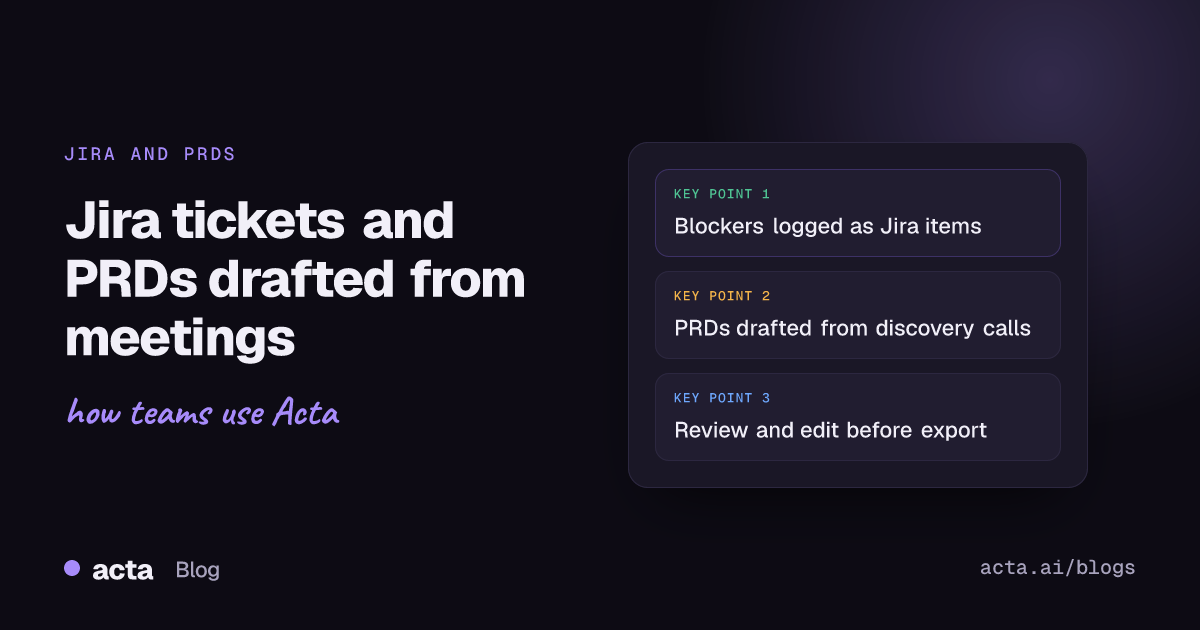
- Log discussion points, blockers and action items as Jira work items.
- Summarize conversations and push meeting insights into selected Jira workspaces, improving backlog grooming, sprint tracking and team alignment.
- Generate user stories, acceptance criteria and QA checkpoints from what was discussed.
This removes manual note-taking and ticket tracking, so scrum teams can focus on collaboration and delivery. For a step-by-step version, see how to turn meeting action items into Jira tickets.
How does Acta generate PRDs for product owners?
For product owners, Acta works as a smart note taker and requirements generator:
- During discovery calls or requirements-gathering meetings, Acta transcribes and structures the discussion into actionable product requirements.
- Connected to documentation platforms such as Confluence, it turns customer feedback, technical discussions and feature ideas into detailed PRDs in a few clicks.
- The agent drafts PRDs by capturing decisions, user stories, feature lists and acceptance criteria, which helps product teams stay aligned and reduces the risk of missing critical details.
Product owners can then review, edit and export these PRDs, cutting the time from ideation to documentation.
What are the key features?
- AI meeting transcription with speakers, plus actionable summaries.
- Integrations with Jira and other ticketing tools, Confluence, Notion and Google Drive.
- Persona-based agents for scrum, product, sales and support roles.
- Recording through a meeting bot for Zoom, Google Meet and Microsoft Teams, or a bot-free desktop app.
- OneChat to ask questions across all your meetings, with sources.
See how these come together for product and engineering teams.
How does Acta keep product data secure?
Product discussions often include roadmaps, unreleased features and customer details, so security matters. In Acta, people only see the meetings they have access to, and organizations keep control over their meeting data. You can read the details on our security and privacy page and in why we do not use customer data to train our AI models.
With Acta, scrum teams and product organizations save time, improve the quality of their tickets and documents, and keep control of their sensitive information.
Frequently asked questions
Can Acta create Jira tickets from a meeting?
Yes. It identifies ticket references, blockers and action items in the transcript and logs them as Jira work items in the workspace you choose.
Can Acta write a PRD from a meeting?
Yes. It drafts PRDs from discovery and requirements calls, including decisions, user stories, feature lists and acceptance criteria, which you can then review, edit and export.
Does Acta work with Confluence?
Yes. Acta integrates with Confluence as well as Notion and Google Drive, so drafted documents can go where your team keeps them.
Want your next sprint review to fill the backlog for you? Start a free 15-day Acta trial.