Quick answer: The best AI note taker for Google Meet captures the call, produces a speaker-labelled transcript and summary, and pulls out decisions and action items with owners and due dates. Acta does all of this on Google Meet, Zoom and Microsoft Teams, with or without a bot, and adds role-based AI agents and answers across every meeting you have recorded.
Google Meet is where a lot of collaboration, decision-making and cross-team communication now happens. Taking notes by hand during those calls is distracting and often means missed details. AI note takers fix that by handling transcription, summaries and action-item tracking, so everyone can stay in the discussion.
What should an AI note taker for Google Meet do?
Google Meet offers its own built-in transcripts on some plans, which give you a written record. An AI note taker should go further:
- Identify who said what
- Summarize the discussion and highlight key decisions
- Extract action items with owners and deadlines
- Make past meetings searchable
- Send results into the tools your team already uses
For a side-by-side look at native meeting AI versus a dedicated assistant, see Acta vs built-in Zoom, Teams and Meet notes.
What are Acta's key features for Google Meet?
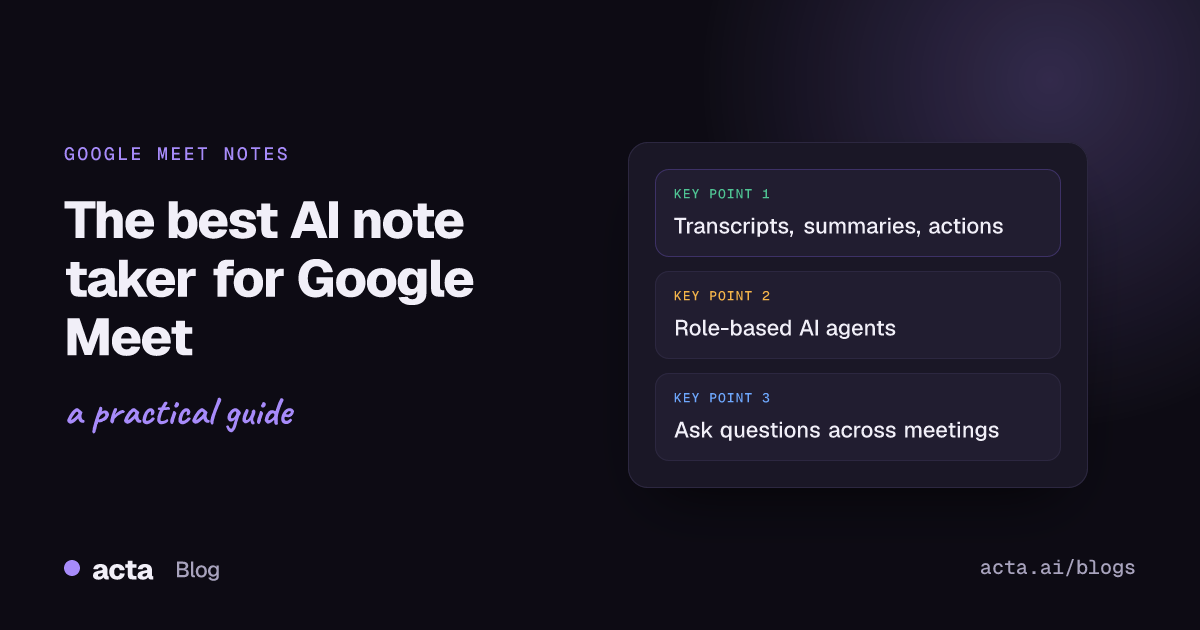
- Transcription and summaries: Acta captures the conversation, transcribes it with speakers and generates concise summaries of key points, decisions and takeaways.
- Action-item tracking: Acta detects action items in the discussion and records the owner, due date and context, so teams stay accountable and projects keep moving.
- Meeting Q&A with OneChat: ask questions about past meetings to find decisions, discussion points and patterns, with answers that cite their sources.
- Role-based AI agents: Acta's agents tailor output to sales, product management, HR, engineering, support and more, producing deliverables such as deal summaries, PRDs, candidate assessments, technical decisions and risk reports.
- Platform and tool integration: works with Google Meet, Microsoft Teams and Zoom, and connects to Jira, Confluence, Notion, Google Drive, Salesforce, HubSpot and Zoho to put meeting insights straight into existing workflows.
- Meeting consolidation: Acta combines conversations from multiple sessions into consolidated reports, helping you spot recurring themes and make data-driven decisions.
- Security: people only see the meetings they have access to, so your meeting data stays with the right people.
Can you use Acta on Google Meet without a bot?
Yes. Acta can join a Meet call as a meeting bot, or you can capture the meeting without one using the Acta Chrome extension or the bot-free desktop app. Our short guide covers Google Meet AI notes without a bot step by step.
What are Acta's agentic capabilities?
Acta follows agentic AI principles. Its agents do more than transcribe: they understand, process and turn meetings into structured, actionable outcomes with little manual effort. Key capabilities include:
- Context and role awareness: agents grasp the context of a conversation and shape the output for each function, such as a product requirements document for a PM or a deal update for sales.
- Task capture: agents identify tasks, follow-ups and decisions from the discussion, so execution starts from the meeting rather than from someone's notes afterwards.
- Workflow integration: by connecting with your existing tools, Acta makes hand-offs and task tracking across systems simpler, for example by drafting Jira tickets for review.
- Structured, role-specific outcomes: raw meeting data becomes tailored outputs such as PRDs, technical breakdowns, hiring assessments and follow-up email drafts.
- Growing organizational memory: the more meetings you record, the more context OneChat and the agents can draw on when you ask questions or build reports.
Why is Acta the best AI note taker for Google Meet?
Acta combines reliable transcription with agentic AI to turn meetings into actionable assets. It goes well beyond note-taking, improving collaboration and execution for teams on Google Meet and other platforms.
You can also read our wider roundup of the top 10 AI note taker tools in 2026.
Frequently asked questions
Does Google Meet have a built-in AI note taker?
Google Meet offers transcripts and some AI note features depending on your plan. A dedicated tool like Acta adds action items with owners, decisions, role-based agents and questions across all your meetings.
Can Acta take notes in Google Meet without joining as a bot?
Yes. You can record with the Acta Chrome extension or the desktop app instead of inviting a bot.
Does Acta work with Zoom and Microsoft Teams too?
Yes. It records Zoom and Teams as well, and accepts uploaded recordings.