Quick answer: Acta's Jira integration removes the manual work that follows engineering meetings. Acta records stand-ups and sprint planning on Zoom, Google Meet or Teams, detects the bugs, tasks and user stories discussed, and creates Jira tickets with context from the conversation, owners and due dates, either with one click or automatically. Scrum masters stop retyping meetings into Jira.
Meetings are an integral part of every organization. For scrum masters and engineering teams, though, the real challenge starts after the meeting ends. Turning every conversation, task and user story into Jira tickets is slow, repetitive and error-prone. That is the gap Acta bridges.
What does a scrum master's day look like without automation?
If you are a scrum master, you know the drill:
- You lead a stand-up or sprint planning session.
- Everyone discusses priorities, blockers and fixes.
- You leave with notes and a mental checklist a mile long.
Then comes the manual grind: logging into Jira, creating tickets, assigning owners, copying context and making sure nothing is missed.
How does Acta's Jira integration work?
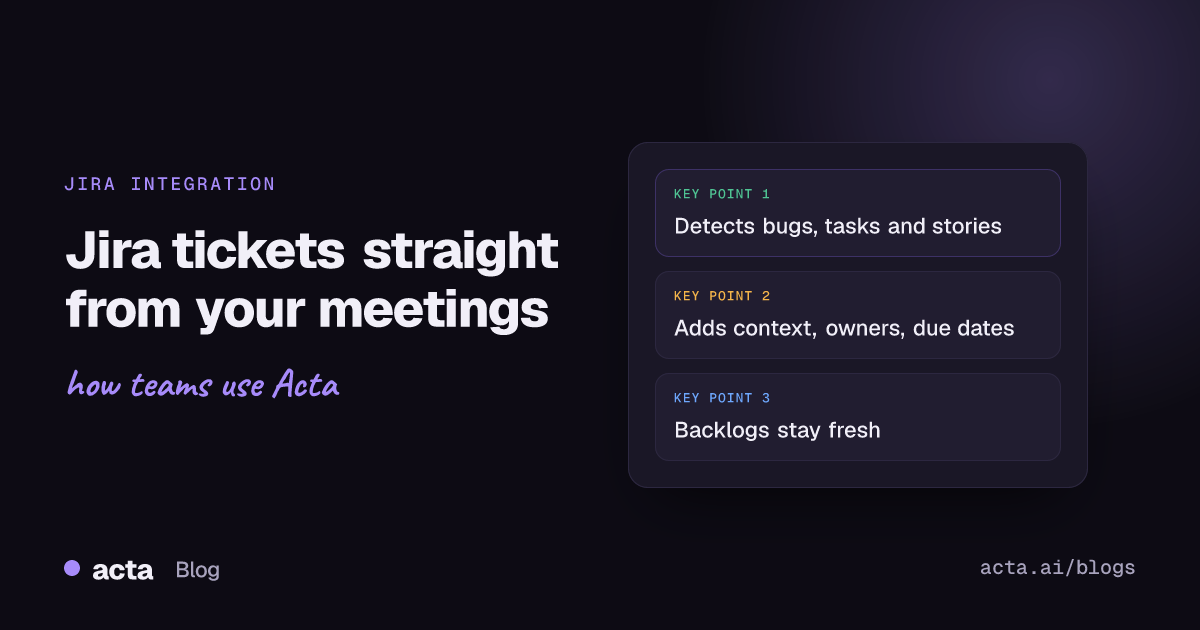
Acta's Jira integration changes this. Acta records your meetings on Zoom, Google Meet or Microsoft Teams and detects the bugs, tasks and user stories discussed. Then, with a single click or automatically if you prefer, it:
- Creates Jira tickets from those user stories, tasks and bugs
- Adds context such as the meeting and the relevant parts of the discussion
- Assigns owners and due dates
- Checks against existing tickets so the same issue is not logged twice
No more switching tabs, no more manual entry, no more post-meeting fatigue. Acta does not just summarize your meetings. It makes them actionable. The agent behind this is described in detail in our post on the Product Assistant Ticket Agent, and the workflow is summarized in how to turn meeting action items into Jira tickets.
Why do scrum masters like it?
Scrum masters such as Alfredo, at a fast-growing SaaS company, say Acta's Jira integration changed how their team works:
"I used to spend hours after meetings updating JIRA. Now, it happens automatically. My team always knows what's next, and nothing slips through."
With Acta:
- Meetings become execution-ready in minutes.
- Backlogs stay fresh and accurate.
- Sprint reviews focus on progress, not paperwork.
- Teams move faster because context is always captured.
What does this mean for the future of Agile?
The Acta and Jira integration is more than a productivity feature. It is a glimpse of where Agile is heading. AI is not replacing scrum masters or engineers. It is making them more effective, turning messy collaboration into structured execution.
When meetings end with Jira already updated, your team's time goes where it matters most: building, shipping and improving. Meetings should spark momentum, not manual work. Because the best teams do not just meet, they act. See more about Acta for product and engineering teams.
Frequently asked questions
Can Acta create Jira tickets from a meeting?
Yes. Acta detects bugs, tasks and user stories in the conversation and creates Jira tickets with context, owners and due dates.
Does Acta create tickets automatically or with approval?
Either. You can create tickets with a single click after reviewing them, or let Acta create them automatically if you prefer.
Which meeting platforms does it work with?
Acta records Zoom, Google Meet and Microsoft Teams, and you can also upload existing recordings.
Want your next stand-up to update Jira for you? Start a free 15-day Acta trial.