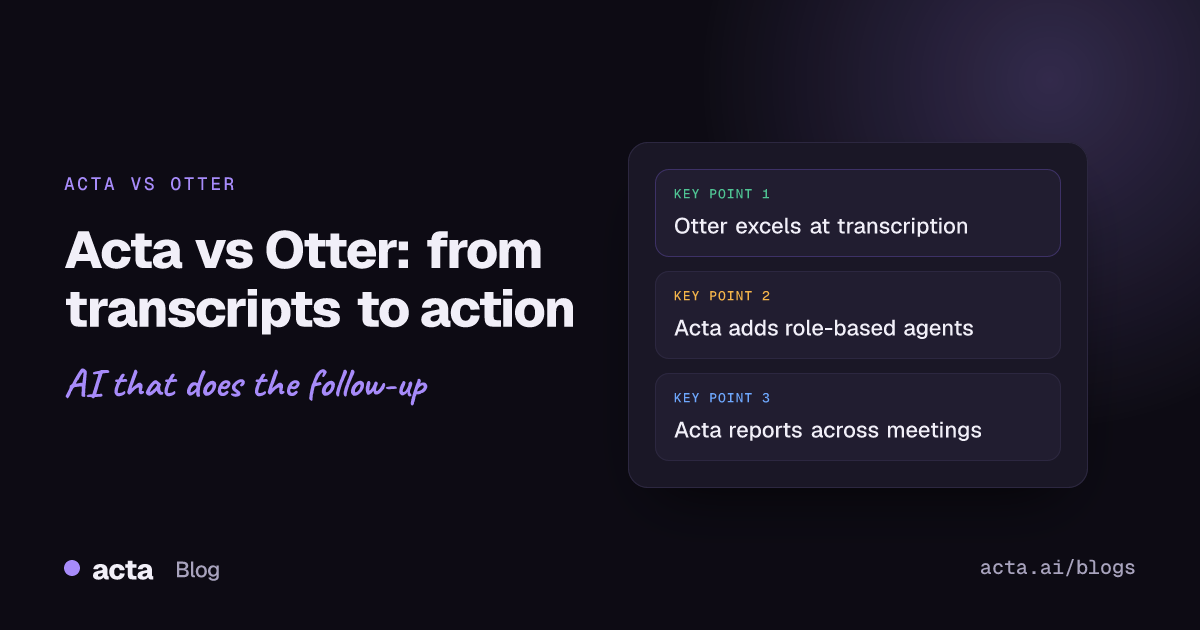
Quick answer: Otter is a strong, easy-to-use transcription tool with live captions, searchable transcripts and general summaries. Acta also records and transcribes meetings, but it is built to turn conversations into structured work: action items with owners and due dates, decisions, role-specific outputs from AI agents, reports across many meetings, and updates pushed into tools like Jira, Salesforce and Notion.
Meetings are where teams collaborate, decide and plan, yet capturing the insights, action items and decisions from them is still hard. Taking notes by hand pulls people out of the conversation and leaves documentation inconsistent and short on context. AI meeting intelligence tools exist to fix that by transcribing, summarizing and pulling out the information that matters.
Acta and Otter are two well-known options, each with real strengths. Otter is widely known for reliable transcription, searchable transcripts and collaboration. Acta positions itself as a meeting intelligence and execution platform that goes beyond transcription to produce structured outputs tied to business workflows. This article compares the two and explains why many organizations choose Acta for long-term value. For a side-by-side summary, see the Acta vs Otter comparison page.
Why does AI meeting intelligence matter?
Modern teams are distributed. Meetings happen across time zones, platforms and formats, from audio calls to video conferences and hybrid sessions. The volume of information is enormous, and without tools to capture it, teams run into the same problems:
- Missed action items
- Unclear decisions
- Repeated discussions
- Knowledge silos
- Difficulty onboarding people or revisiting past discussions
Traditional meeting tools focus on delivering audio and video, leaving organizations to bridge the intelligence gap by hand. AI meeting intelligence platforms fill it by:
- Recording and transcribing conversations
- Identifying key topics, decisions and action items
- Summarizing and distributing insights
- Integrating with collaboration and workflow tools
In 2026, this category is less a nice-to-have and more a basic requirement for productive teams.
What is Otter and what does it do well?
Otter was an early entrant in the AI meeting space and gained traction for transcription accuracy and ease of use. Its core strength is turning speech into text with live captions, which makes meetings more accessible and searchable.
Key features of Otter
- Real-time transcription and live captions: speech-to-text during meetings, with support for several languages and a range of accents.
- Searchable transcripts: users can search across meetings for keywords, phrases and topics.
- Automated summaries: highlights and key points from transcripts. Useful for a quick review, though general rather than shaped for specific business workflows.
- Collaboration and sharing: teams can share transcripts, comment and collaborate inside Otter.
- Video platform integrations: Otter works with Zoom, Microsoft Teams and Google Meet and can join meetings automatically.
- Mobile and web access: transcripts and recordings are available on the go.
- Meeting agents: more recent AI-assisted agents add contextual help beyond plain transcription.
Strengths of Otter
- Ease of use: an intuitive interface that non-technical users pick up quickly.
- Transcription reliability: accurate speech-to-text is its foundation.
- Search and recall: strong keyword search across meetings.
- Collaboration: built-in commenting and annotation.
Limitations of Otter
- Limited actionability: Otter captures information well but does not turn conversations into structured, executable business outputs.
- Generic summaries: they give high-level context but are not tailored to specific use cases.
- Standalone outputs: insights tend to stay inside Otter unless exported or connected through third-party tools.
What is Acta?
Acta goes beyond transcription to provide role-specific intelligence that connects meetings to business workflows. It records Zoom, Google Meet and Microsoft Teams calls through a meeting bot, a bot-free desktop app, a Chrome extension or mobile apps, and it can also process uploaded recordings.
On top of transcripts with speaker labels, Acta uses specialized AI agents to turn what was said into structured documents, action items and tasks that feed the systems where work happens.
Key features of Acta
- Transcripts, summaries and key takeaways for every meeting, with speakers identified.
- Action items and decisions: tasks come with owners and due dates, and decisions are captured separately so they do not get lost.
- Domain-specific AI agents for sales, recruiting, product and engineering, customer support, marketing and investors, each producing business-ready outputs.
- Structured deliverables such as PRDs, Jira tickets, sales call summaries using frameworks like MEDDPICC or BANT, candidate assessments and project status reports.
- Multi-meeting reports and OneChat: consolidated reports across meetings, plus the ability to ask questions across all your meetings and files with sources.
- Workflow integrations with Jira and other ticketing tools, Confluence, Notion, Google Drive, Salesforce, HubSpot and Zoho.
Strengths of Acta
- Actionable intelligence: conversations become structured, business-ready outputs.
- Agent-driven interpretation: outputs are tailored to the function and the type of meeting.
- Longitudinal knowledge: insights are synthesized across many meetings and projects.
- Connected workflows: outputs flow into task, CRM and documentation tools instead of sitting in a silo.
Ideal use cases for Acta
- Sales teams that need structured call summaries and pipeline insight
- Product teams generating PRDs from roadmap meetings
- Engineering teams creating tickets from sprint discussions
- HR teams synthesizing interview outcomes
- Customer support and account teams documenting customer issues
How do Acta and Otter compare on transcription and context?
Otter is known for transcription accuracy and live captions, and it handles meetings, lectures and interviews reliably. But a transcript only records what was said. It does not, by itself, tell you what it means or what should happen next.
Acta also produces full transcripts with speakers, then adds a layer of interpretation. Its agents read the conversation in light of the meeting type, so they can:
- Tell roles apart, such as the hiring manager and the interviewer in a recruiting call
- Connect parts of the conversation to business goals such as project deliverables or sales outcomes
- Turn what was discussed into structured items like tasks, decisions and scorecards
That context is what makes the output usable straight away.
Why isn't a transcript enough to drive action?
The biggest difference between the two tools is how actionable the output is. In a typical team meeting, people discuss action items, deadlines, risks, dependencies and decisions. Even a perfect transcript does not automatically:
- Assign owners to tasks
- Create tickets in workflow tools
- Flag risks for leadership
- Summarize decisions in business terms
This is where Acta's approach differs from transcription-first tools. Its agents detect the key items and then:
- Generate structured outputs such as task lists with owners and due dates
- Feed operational systems such as Jira and your CRM
- Turn decisions into business documents like PRDs and status reports
- Extract role-specific insights such as hiring assessments and sprint requirements
Meetings stop being static text and become work that moves forward. If decisions are your weak spot, read our guide on how to track decisions made in meetings.
What does role-based intelligence look like in practice?
A sales call is not a sprint planning meeting, and neither is a hiring interview. Acta uses role-aware AI agents to interpret each one differently:
- Sales calls: extracts customer needs, objections and next steps, and produces a structured sales summary for the CRM.
- Project planning and engineering: extracts tasks, dependencies and deliverables, and produces Jira tickets and backlog items.
- HR and recruiting: extracts candidate evaluations and skill gaps, and produces structured assessments.
- Customer support: extracts issues, impact and resolution paths, and produces escalation summaries.
Otter provides transcripts and summaries, but it does not tailor its outputs to specific business functions in the same way.
Can you get insights across multiple meetings?
Projects run for weeks, months and quarters, not single meetings. Acta consolidates insights across many meetings, which gives you:
- A longitudinal view of a project or account
- Trends that only show up over time
- The trajectory of decisions
- Consistency from one meeting to the next
A product manager can simply ask, "What key decisions were made across all roadmap meetings this quarter?" and get an answer with sources. Otter lets you search across transcripts, but keyword search is not the same as a synthesized, multi-meeting answer. Learn more about how to ask questions across all your meetings.
How do their integrations differ?
Both tools connect to other software, but for different purposes.
- Otter: integrates with Zoom, Teams, Google Meet and calendar apps, and can export to other tools through connectors. These integrations mainly serve capture and retrieval.
- Acta: connects to Jira and other ticketing tools, Confluence, Notion, Google Drive, Salesforce, HubSpot and Zoho, and you can reach your meetings from Claude or ChatGPT through a connector. These integrations are about execution.
Rather than exporting text, Acta puts structured outputs into the systems where work actually happens.
What about security and access control?
Security matters for every team and especially for regulated industries such as healthcare, finance and legal. Otter offers encryption, role-based access controls and compliance programs. In Acta, people only see the meetings they have access to, so sensitive conversations stay with the right people. You can review the details on the Acta security page.
How do they compare for sales, engineering and recruiting?
Sales teams
- Otter: records calls, provides searchable transcripts and extracts key phrases.
- Acta: summarizes calls into structured documents, assigns next steps to owners and updates the CRM.
The result with Acta is less manual follow-up and a faster pipeline.
Product and engineering
- Otter: captures sprint planning notes, and the team parses out actions by hand.
- Acta: detects tasks and dependencies, drafts Jira tickets and helps keep the backlog organized.
HR and recruiting
- Otter: transcribes interviews, and HR extracts candidate evaluations by hand.
- Acta: produces structured candidate assessments, notes skills and gaps, and tracks hiring themes across candidates.
What about user experience, pricing and trade-offs?
Both tools offer web and mobile access, but their design focus differs. Otter emphasizes easy access and friendly transcription. Acta emphasizes structured workflows and business outputs.
On pricing, Acta's value comes from business outcomes rather than transcription alone, and you can try it with a free 15-day trial. Otter is more transcription-centric.
No tool is perfect. Otter's transcription may be all some teams need. Acta's more advanced features work best when you take a little time to match agents and integrations to your workflows.
Which should you choose?
Capturing what was said is no longer enough. Organizations want intelligence that turns conversations into action and measurable results.
Otter remains a strong choice for transcription and searchable transcripts. Acta closes the gap between capture and execution by turning meetings into business-ready outputs. For teams focused on productivity, alignment and outcomes, Acta is the bigger step beyond transcription.
Related reading: Best Otter Alternatives in 2026: 7 Apps Like Otter Compared
Frequently asked questions
What is the main difference between Acta and Otter?
Otter focuses on accurate transcription, live captions and search. Acta also transcribes meetings but adds AI agents, action items with owners, decisions, multi-meeting reports and integrations that push outputs into tools like Jira and your CRM.
Is Otter good enough for some teams?
Yes. If you mainly need searchable transcripts and live captions, Otter may be sufficient. Teams that want meetings to produce tickets, CRM updates and structured reports usually get more from Acta.
Can Acta answer questions across many meetings?
Yes. OneChat lets you ask questions across all your meetings and uploaded files and returns answers with sources, and Acta can produce consolidated reports across multiple meetings.
Does Acta need a bot to join my meetings?
No. Acta can join through a meeting bot, but it also offers a bot-free desktop app, a Chrome extension, mobile apps and uploads of existing recordings.
Want to see the difference on your own meetings? Start a free 15-day Acta trial.