Quick answer: A smart AI meeting assistant records your calls, writes the transcript and summary, highlights decisions and next steps, and drafts the follow-up for you. Acta goes further with role-based agents, so sales, product, HR, engineering and support each get the output they need, and it sends results to tools like Jira, Confluence and Salesforce.
We all know the feeling: back-to-back meetings, scattered notes and a struggle to remember what was discussed and who owns which action. That is where Acta comes in. It is not just another transcription tool. It is a smart AI meeting assistant that helps you capture, understand and act on the most important parts of your conversations.
Here is how Acta can make your meetings more productive and less stressful.
How does an AI meeting assistant replace manual note-taking?
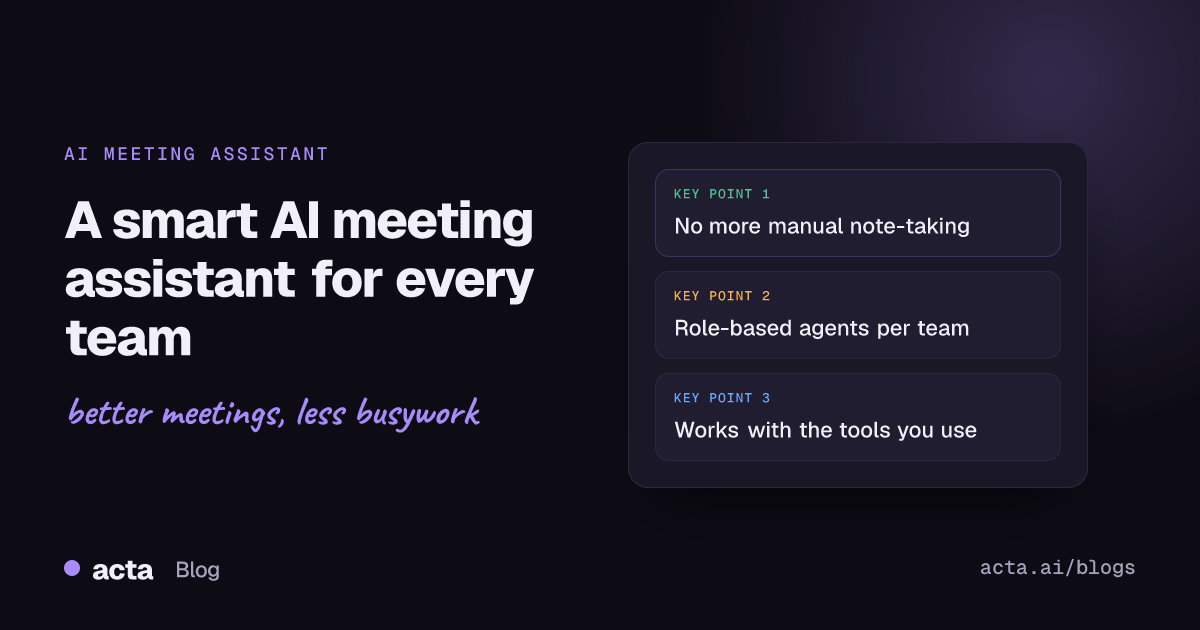
Taking notes during meetings is hard, especially when you are also trying to stay engaged. Let Acta handle the notes. It captures everything that is said and gives you:
- Full transcripts with speakers
- Clear summaries and key takeaways
- Highlighted decisions and action items with owners and due dates
- Ready-to-send follow-up email drafts
You don't need to remember it all. Acta does that for you, and you can later ask questions across past meetings with OneChat. See the full list of Acta features.
What are role-based AI agents?
One of the things that makes Acta different is its AI agents built for different job roles. The assistant shows you exactly what you need, whether you work in sales, product, engineering, HR or support.
Here's how Acta helps different teams:
- Sales: creates deal summaries using frameworks such as MEDDPICC, BANT and SPICED, plus follow-up drafts
- Product managers: builds PRDs and feature breakdowns from your conversations
- Recruiters and HR: summarizes candidate interviews and assessments
- Engineers: tracks technical decisions and action items, and drafts tickets
- Support teams: captures issues, updates and escalations from customer calls
- Investors and finance: flags risks and organizes takeaways from dealflow meetings and portfolio check-ins
No fluff, just what matters for your role. For examples across departments, read how five teams use one meeting assistant.
Which tools does Acta work with?
Acta fits into the tools you already use:
- Zoom, Google Meet and Microsoft Teams, through a meeting bot or the bot-free desktop app
- Jira and other ticketing tools, Confluence, Notion and Google Drive, so meeting output lands where your team works
- Salesforce, HubSpot and Zoho for customer-facing teams
- The Acta Chrome extension for ad hoc or unscheduled calls, plus mobile apps for in-person conversations
You don't have to change how you work. Plug in Acta and it starts helping right away.
Why do teams like using Acta?
- Saves time: cuts the admin work that follows every meeting
- Boosts productivity: helps your team focus on doing, not documenting
- Increases clarity: everyone knows what to do after the meeting
- Secure and flexible: enterprise-ready, and people only see meetings they have access to
Getting started is as simple as signing up with your Google or Microsoft account. Acta then joins your meetings and takes care of the rest.
A smarter way to meet
Acta isn't just about transcription. It is about making meetings count. Whether you are closing deals, building products, hiring the right people or tracking project progress, Acta helps you move faster with less effort, so you spend more time on meaningful work and less on scribbling notes or chasing follow-ups.
Frequently asked questions
What does an AI meeting assistant do?
It records your meetings and produces a transcript, summary, decisions and action items, then helps you follow up. Acta also lets you ask questions across all your past meetings.
Does Acta work with Zoom, Google Meet and Microsoft Teams?
Yes. Acta records all three through a meeting bot, or without a bot using the desktop app. You can also use the Chrome extension, mobile apps or uploaded recordings.
Can Acta create outputs for specific roles?
Yes. Its role-based agents produce outputs such as sales deal summaries, PRDs, interview assessments and project status reports.
Ready to stop taking notes by hand? Start your free 15-day Acta trial.