Approve before an agent sends
Human approvalEmailSafetyUpdated Oct 31, 2026
Add a Human approval step before anything that goes to other people. The agent waits for you, and you can change the text before it's sent.
Approve in Agent Builder
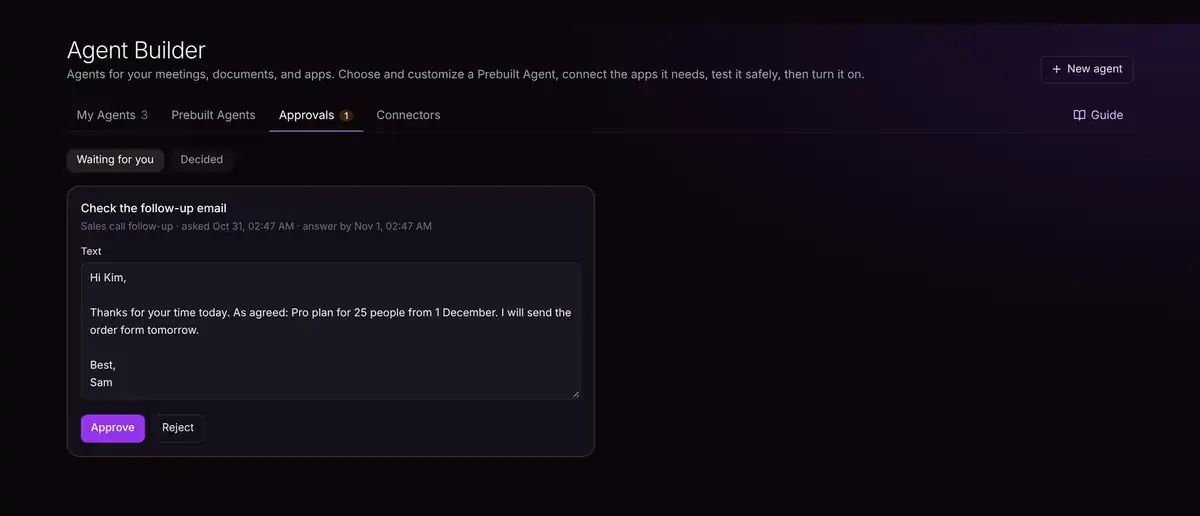
Open the Approvals tab. Edit the text if you need to, then click Approve (the agent carries on) or Reject (nothing is sent).
Approve by email
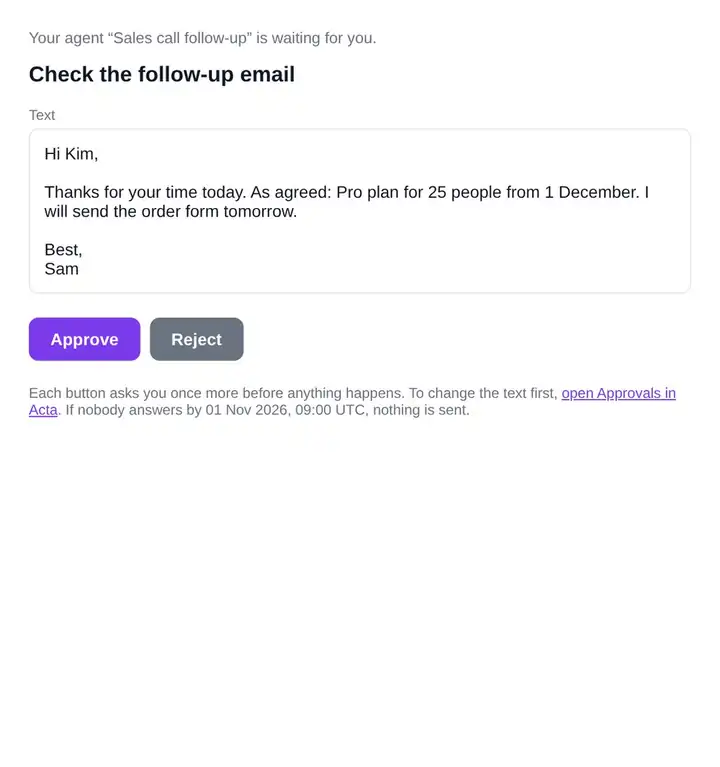
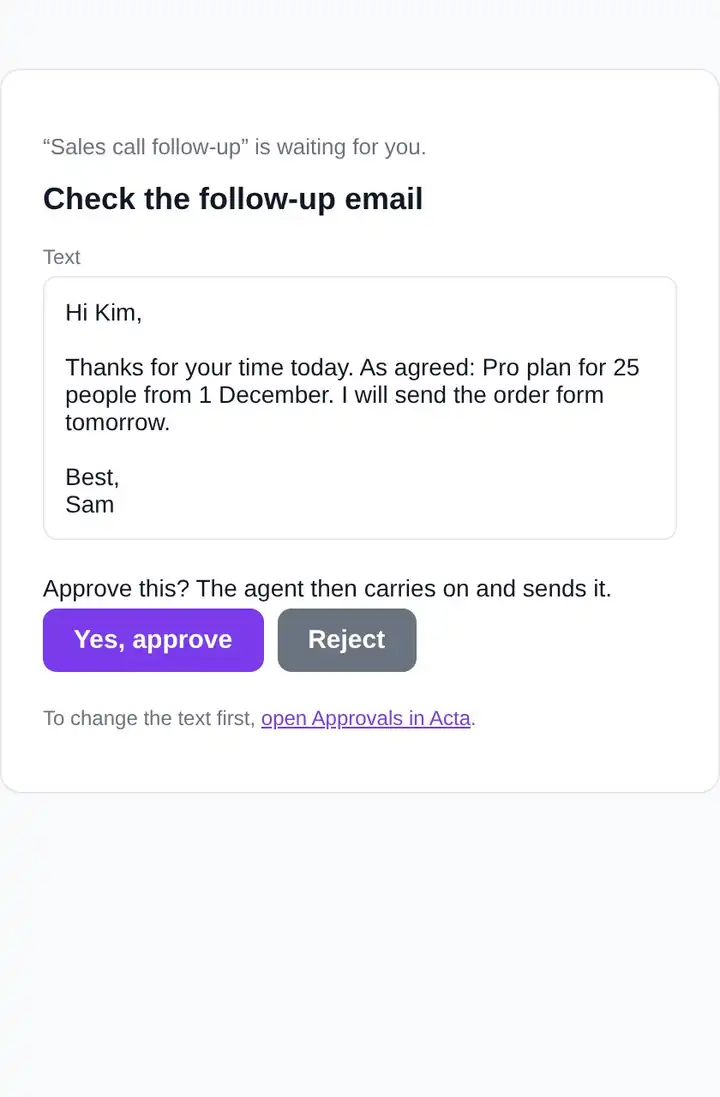
In the approval step, tick Also email me Approve and Reject buttons. You then get an email for each one, so you can answer from your phone.
No answer, nothing sent
If nobody answers in time (24 hours unless you change it), nothing is sent and the run stops.
Troubleshooting
Can someone else approve?
Approvals go to the agent's owner, in Approvals and, if you ticked it, by email.
The email link says it doesn't work any more
It was already approved or rejected, or it expired. Open Approvals in Acta to see what happened.
Related
Still stuck? The Acta team can help. support@acta.aiContact us